
Your music, offline. Tuned to every pair of headphones.
Encore plays the music on your phone and makes it sound its best on your headphones, in the car and on your speakers. No streaming, no account, no ads - your library never leaves your phone.
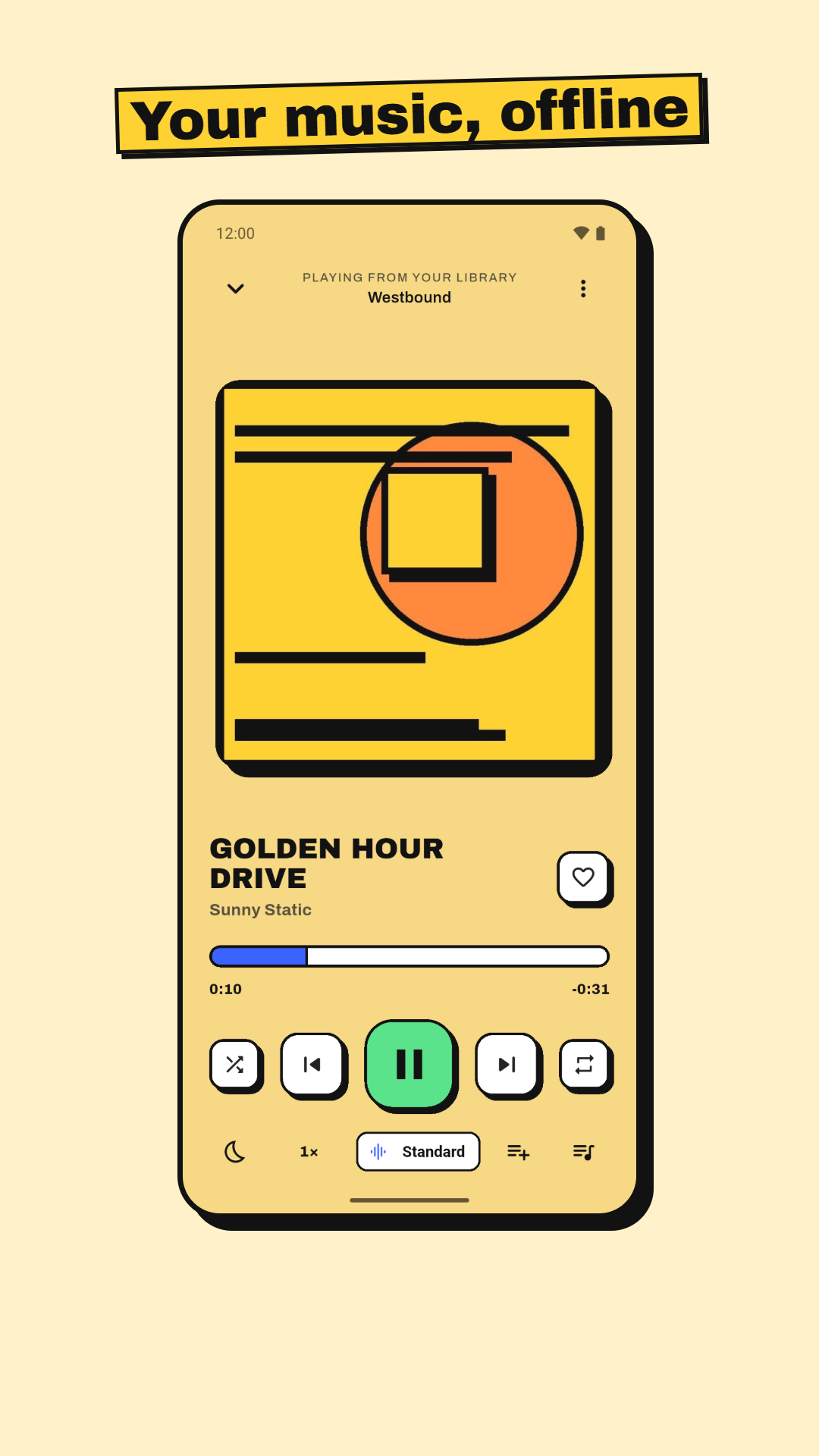
A Player That's Fun to Use
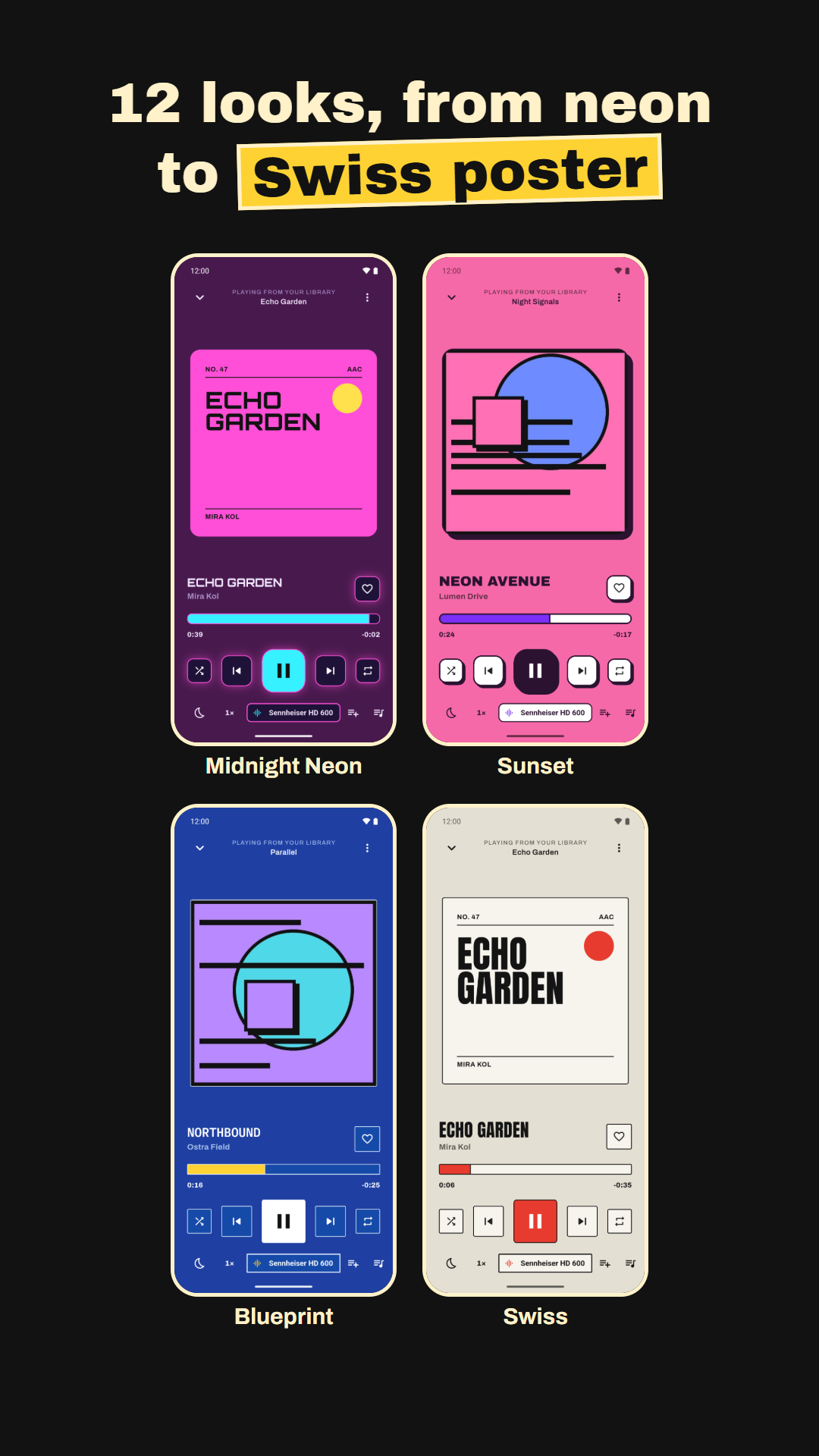
12 themes, springy animations, and a poster made from the title for songs without cover art.
Three Steps to Better Sound
Play
Allow access to your music and Encore finds the songs on your phone. Add extra folders, like an SD card, any time.
Pick your headphones
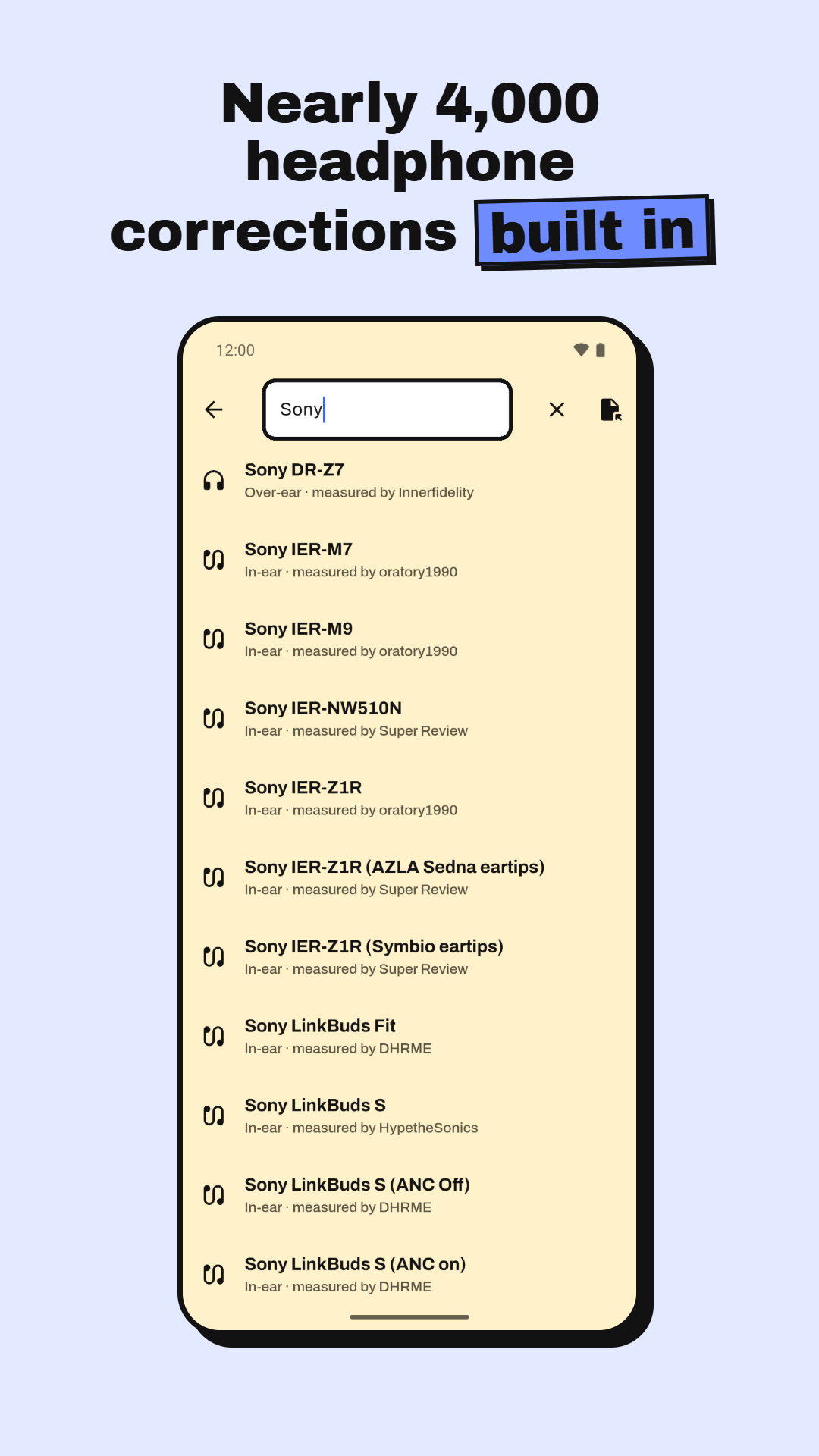
Search for your model among nearly 4,000 corrections, then fine-tune with the 10-band EQ, presets, bass and treble.
Add your devices
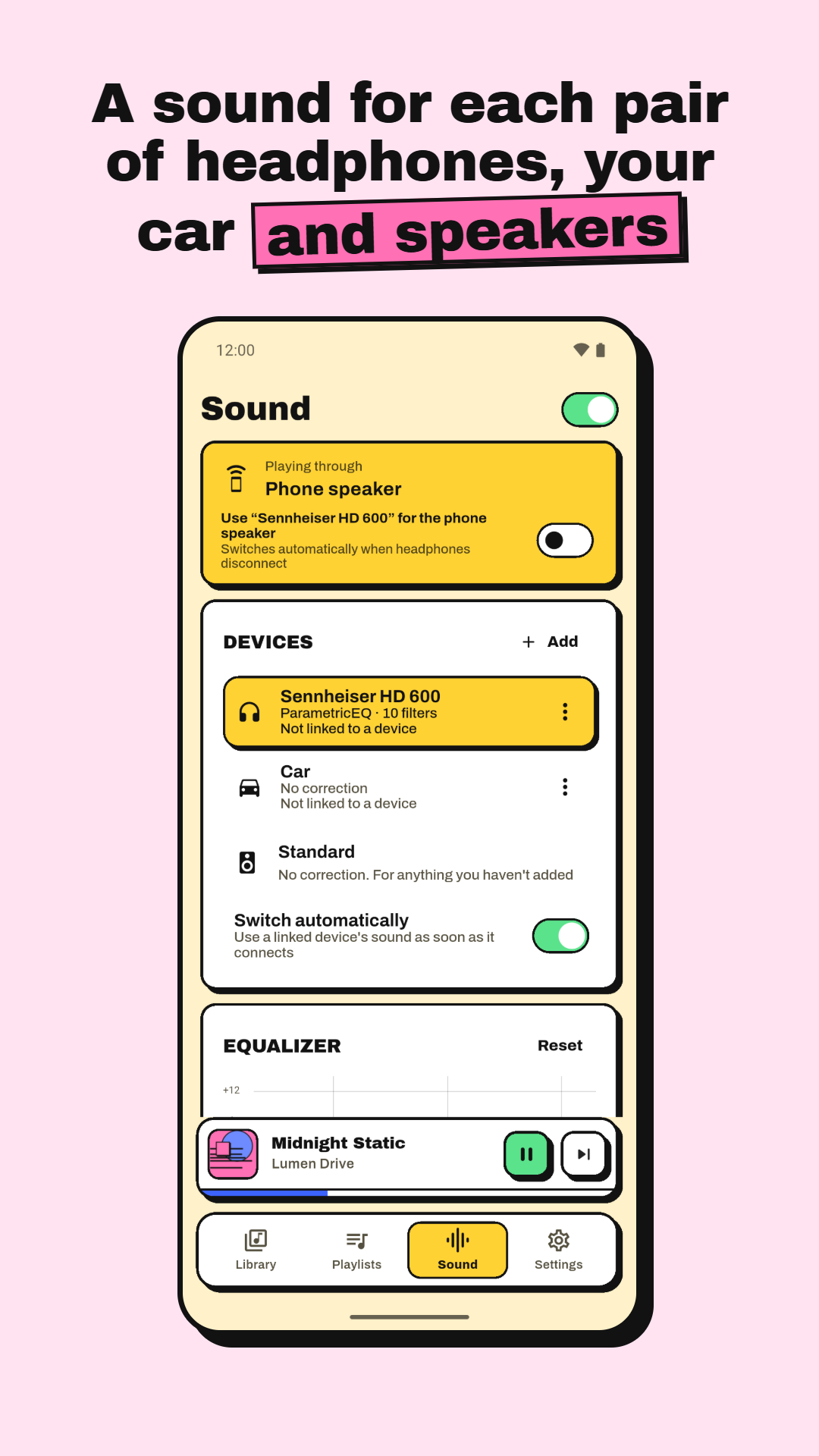
Save a sound for your car, speaker or other headphones. Encore switches to it by itself when it connects.
Everything You Need, Nothing You Don't
Headphone Correction
Nearly 4,000 AutoEq corrections built in, so your headphones sound the way they were meant to. Works offline.
Devices
Headphones, car, Bluetooth speaker or any other output each keep their own sound, switched automatically on connect.
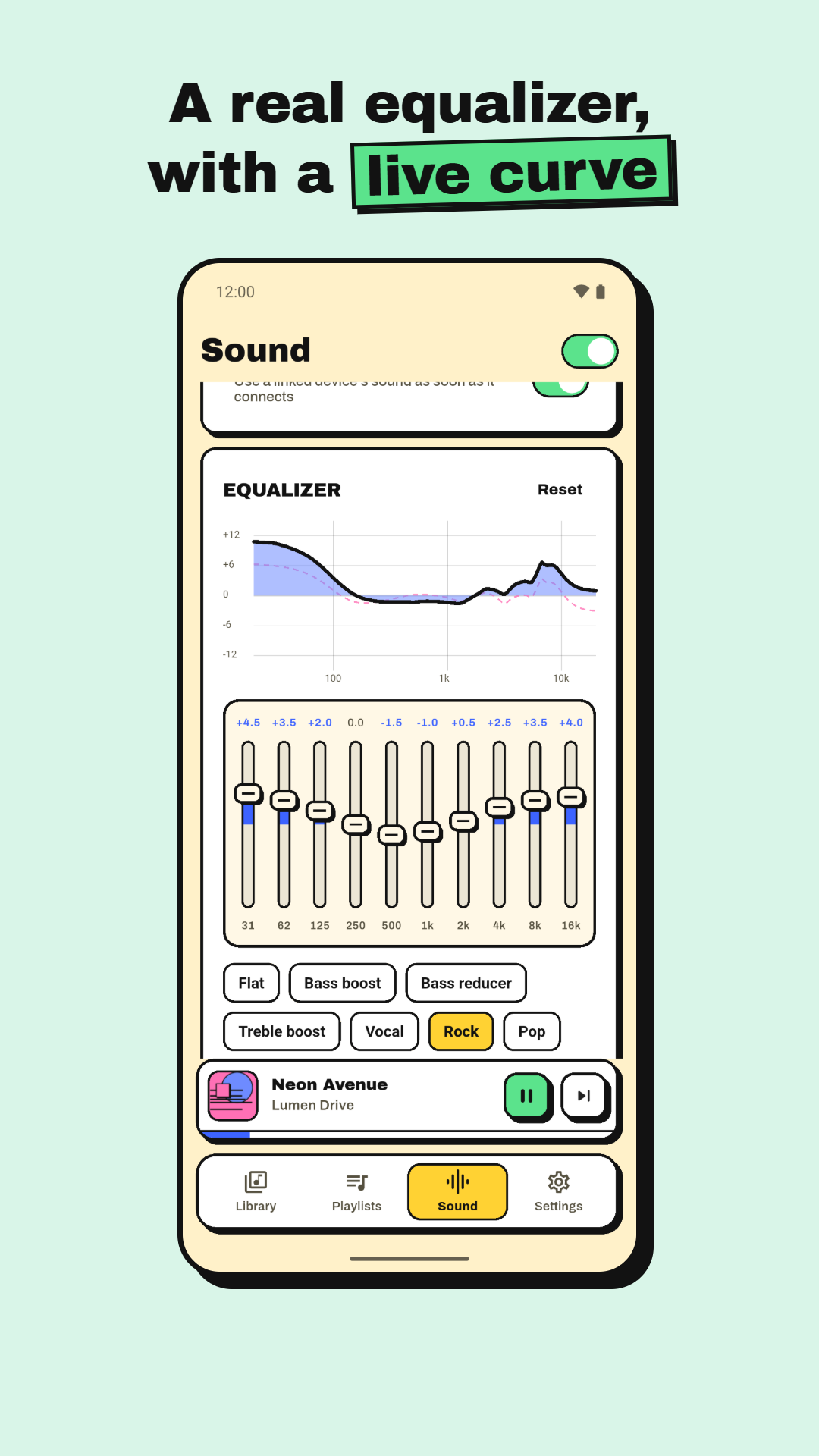
10-Band Equalizer
A live response curve and 14 presets: Bass boost, Vocal, Rock, Jazz, Loudness, Spoken word and more.
Fine Controls
Bass, treble, preamp, balance, and a limiter that stops loud songs from distorting. Virtualizer and reverb where supported.
EQ for Other Apps
Optionally apply your equalizer to other music apps, or to all audio on your phone.
12 Themes
Encore, Midnight Neon, Bubblegum, Ocean, Sunset, Y2K Chrome, Blueprint, Newsprint, Groovy 70s, Memphis, Swiss and Classic.
Your Library
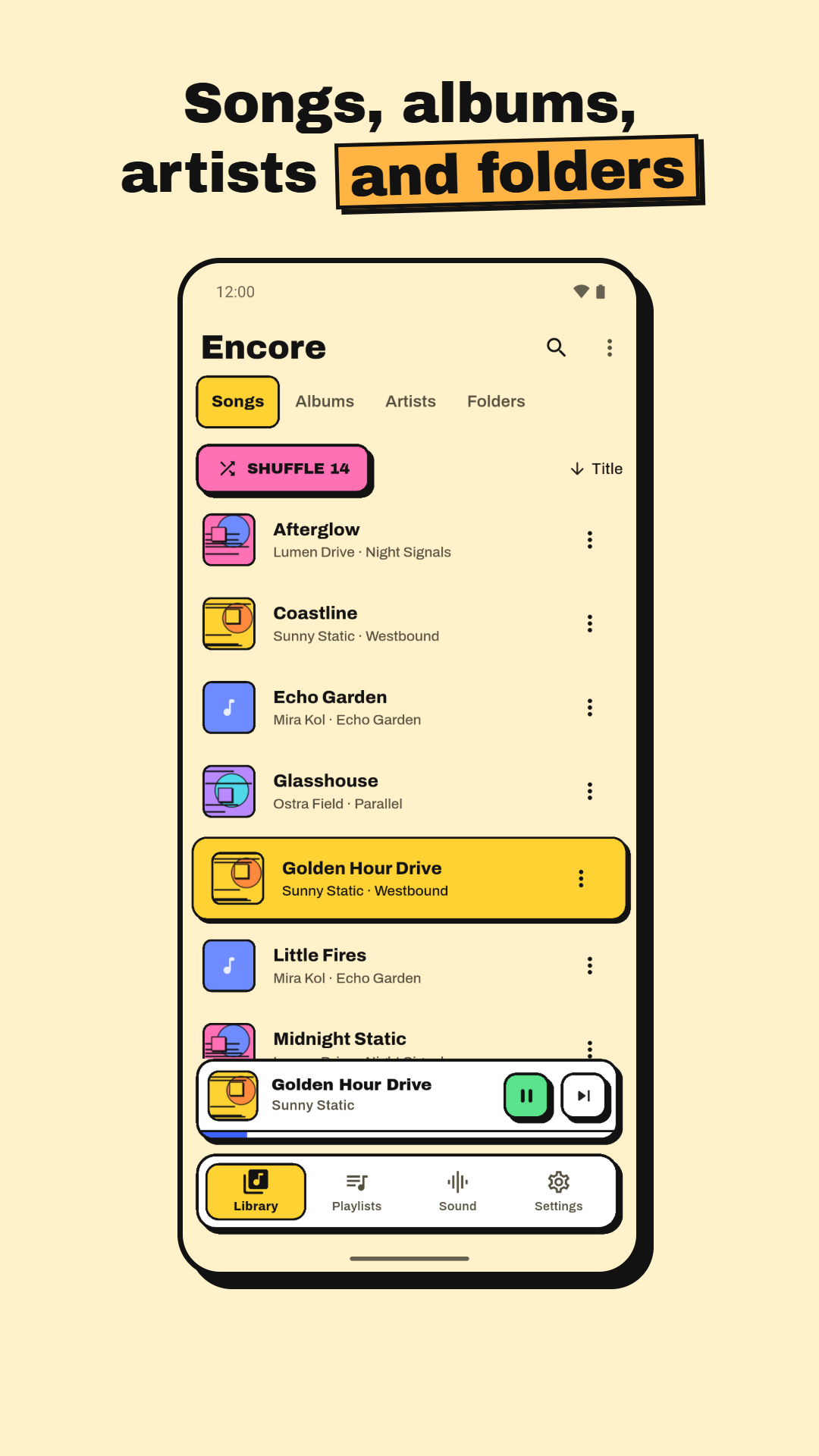
Songs, albums, artists and folders with search and sorting. Playlists, favourites, Recently played and Most played.
Lossless Ready
Plays MP3, FLAC, M4A/AAC, OGG and WAV, with FLAC badges if you like. Add folders Android doesn't index.
Playback Done Right
Queue, shuffle, repeat, playback speed, background play with lock-screen and headset controls, and it resumes where you left off.
Your Library Stays Yours
Encore works entirely on your phone. We believe in privacy-first software.
No Internet Access
The app doesn't even ask for internet permission, so nothing can be sent anywhere.
No Tracking, No Accounts
No analytics, no ads, no crash reporting, no sign-up. You are completely anonymous.
Your Files, Untouched
Encore reads your music to play it. It never moves, changes or deletes your files.
Pro Tips
Questions
Does Encore stream music?
No. Encore plays the music files already on your phone. There is no streaming, no account and no internet access at all.
What is headphone correction?
Every headphone model colours sound in its own way. Encore includes nearly 4,000 AutoEq corrections, built from published measurements, that even out your model's response so it sounds closer to neutral. Pick your model once and it works offline.
How does automatic device switching work?
Add your headphones, car, Bluetooth speaker or any other output under Devices and give each one its own sound. When one of them connects, Encore switches to its sound by itself.
Can I use Encore's equalizer with other music apps?
Yes, optionally. In the Sound tab, set Apply to Music apps or All audio and your EQ applies to other players too. Encore shows a notification while this is on, and you can switch back to Encore only at any time.
Which audio formats does it play?
MP3, FLAC, M4A/AAC, OGG and WAV. You can also add folders Android doesn't index, such as one on an SD card.
Is it really free?
Yes. Every feature is free, with no ads, no subscription and no account.
Does Encore collect any data?
No. It has no internet permission, no analytics and no crash reporting. Your music, playlists and settings stay on your phone.
Is there an iPhone version?
Not at the moment. Encore is an Android app and is coming soon to Google Play.
Something else? Email stackbits.in@gmail.com.
Credits
Headphone corrections come from AutoEq by Jaakko Pasanen (MIT licence), using measurements by oratory1990, Innerfidelity, Super Review and many other generous measurers. Full credits are in the app under About.
Ready to hear your music properly?
Offline player, headphone correction and a sound for every device. Free, private and ad-free.